01 / Choose↗
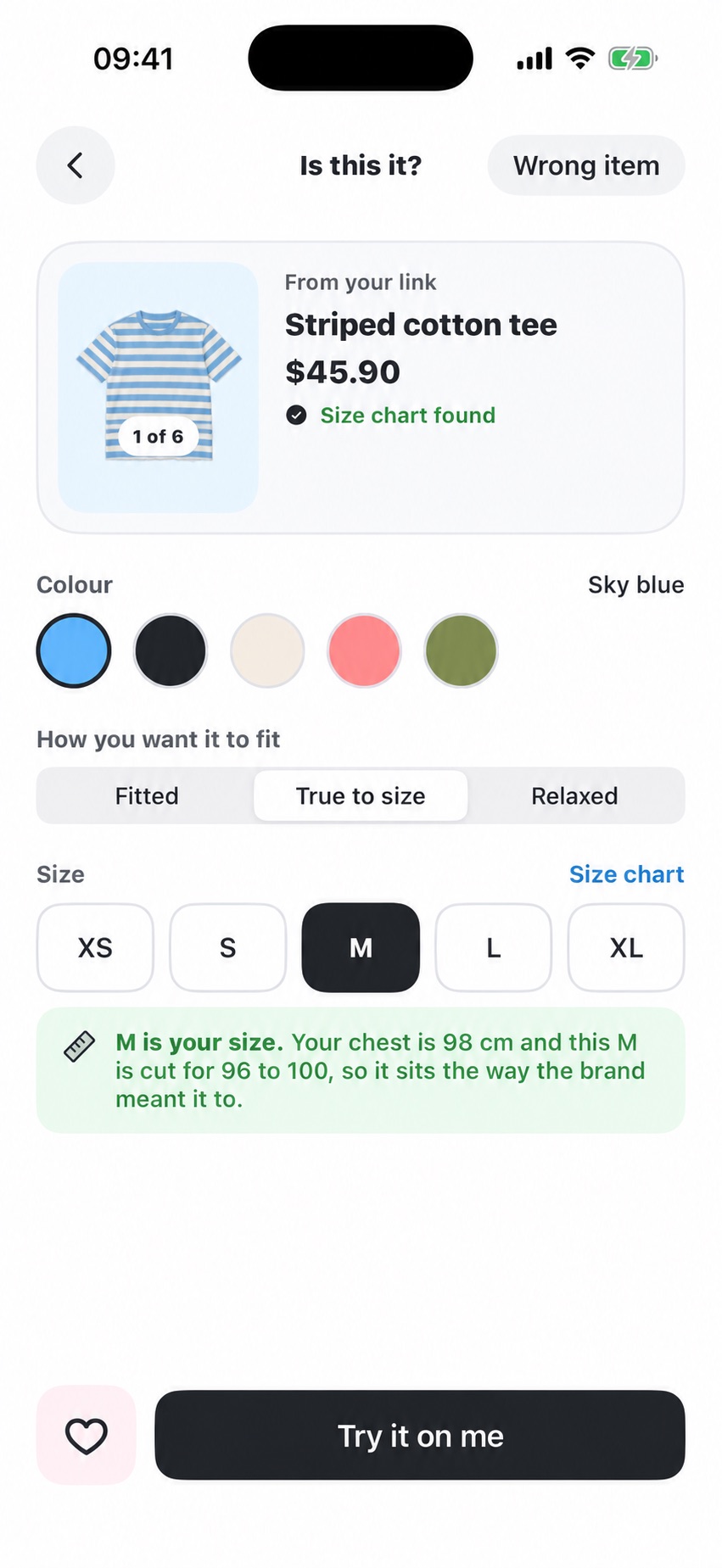
Start with your size.
Select the size you want to try. You stay in control of what OnU shows you.
 OnU
Join the waitlist
OnU
Join the waitlist
A size label can’t show where a hem lands or how a sleeve hangs. OnU lets you choose a size, see its expected fit on your own body, and understand the details before you buy.
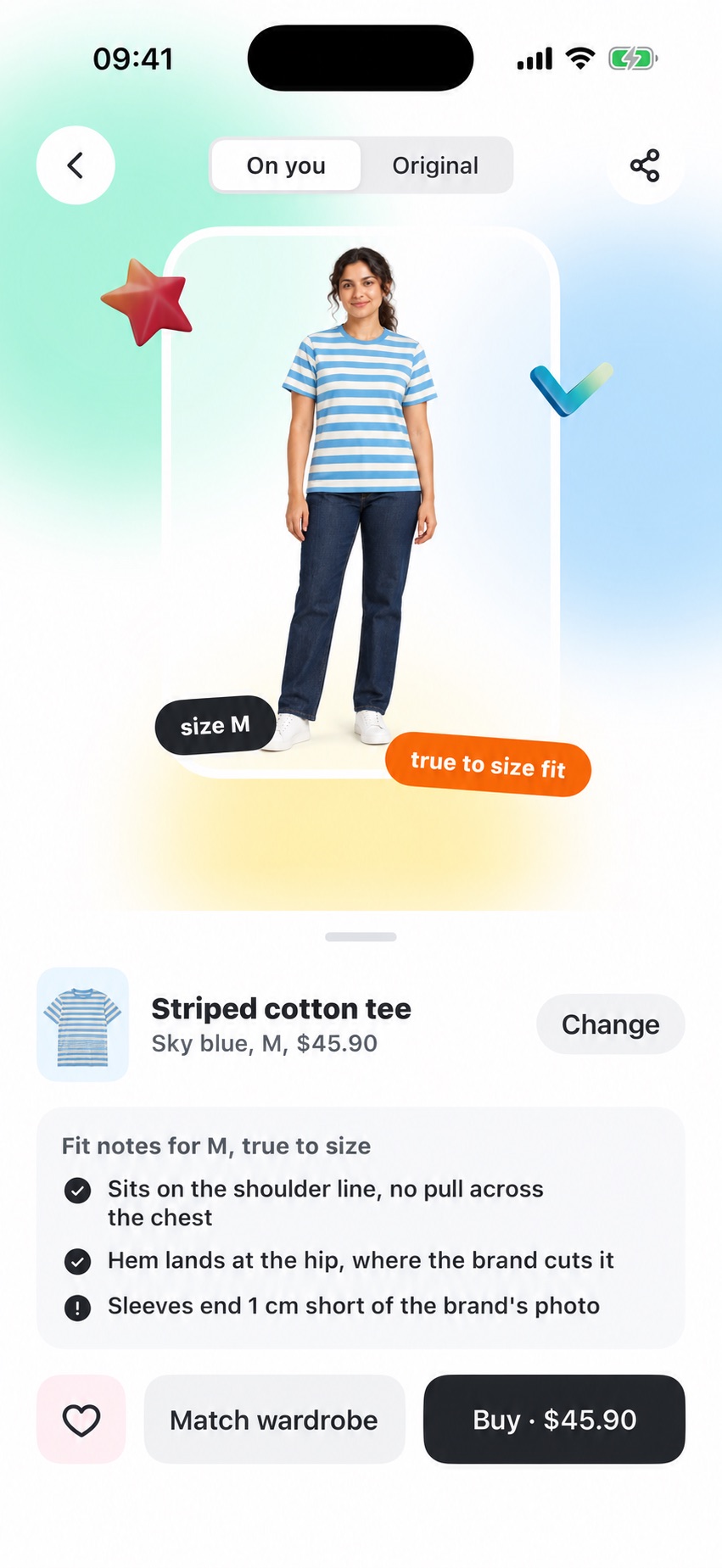
Does the shoulder sit right? Where does the hem fall? OnU is built to visualize the size you selected on your own body, then explain the fit details that a size chart can’t show alone.
See the app flowFrom the item you found to a size-specific view and clear fit notes.
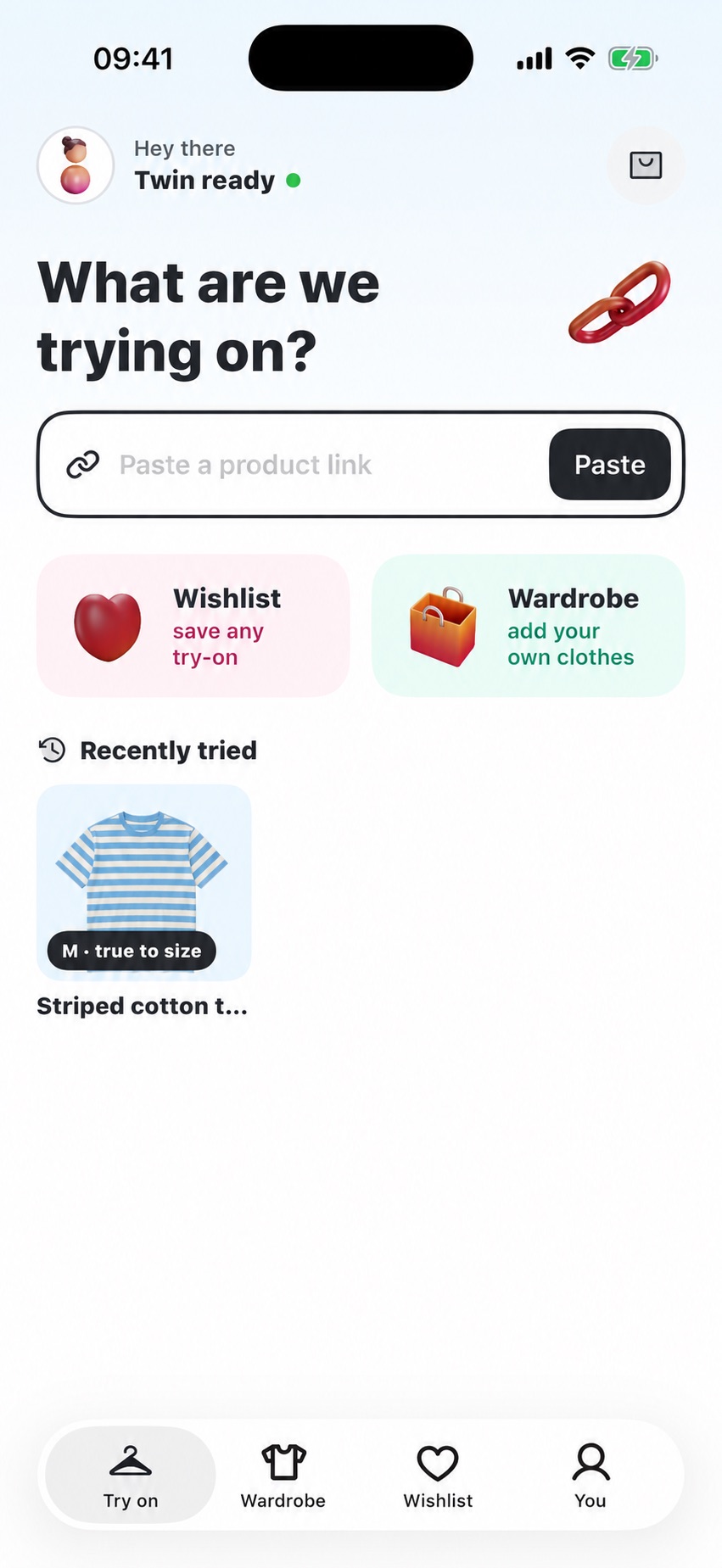
The chosen size shapes the preview. Fit notes help you read the details.
Select the size you want to try. You stay in control of what OnU shows you.
See the chosen size in context, with notes on the shoulders, hem and sleeves.
Save the pieces you want to revisit and match them with your wardrobe.
Don't just see the garment.
See the size on you.
You choose the size you want to see. OnU can offer a size suggestion, but the heart of the experience is showing how the selected size is expected to sit on your body.
The visual is a size-conditioned estimate based on your photos and available garment information. Fabric, lighting and the physical fit can differ in real life. These illustrative screens use sample data and a fictional AI-generated model and garment; actual try-ons and physical fit may differ.
We’ll email you about OnU’s launch and early access. Joining the waitlist is free and doesn’t create an app account.
Get early access to a more personal way to shop. Leave your email and we'll let you know when OnU is ready.
Only OnU launch updates.